Starter
$0/month
50 credit gift + 30/month
Explore StarterYour next game starts here.
Cosindra is a game development platform that brings together Blueprint generation, world building, material creation, character rigging, and Steam page optimization. Our desktop app and native Unreal Engine plugin put 300+ tools at your command, directly inside your editor.
Start in your browser.Go further inside Unreal Engine.
Gameplay logic
 Captured example
World foundations

Surfaces & shaders
Character rigging
Steam page reviews
Different tools. One creative direction: yours.
Desktop + native plugin
Build the part you’re thinking about. Each product has a focused workspace, with the controls to make the result your own.
Gameplay logic
Describe a gameplay mechanic, inspect the generated graph, and bring it into Unreal Engine. Stay in control of how it all connects.
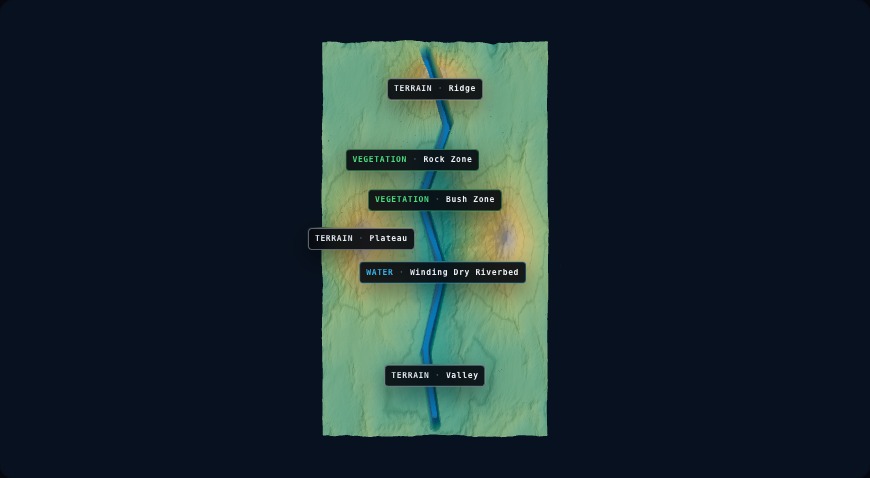
World building
Describe the terrain, plan routes and sites, and explore the layout. Then download a UE5 World Pack to start building your environment.
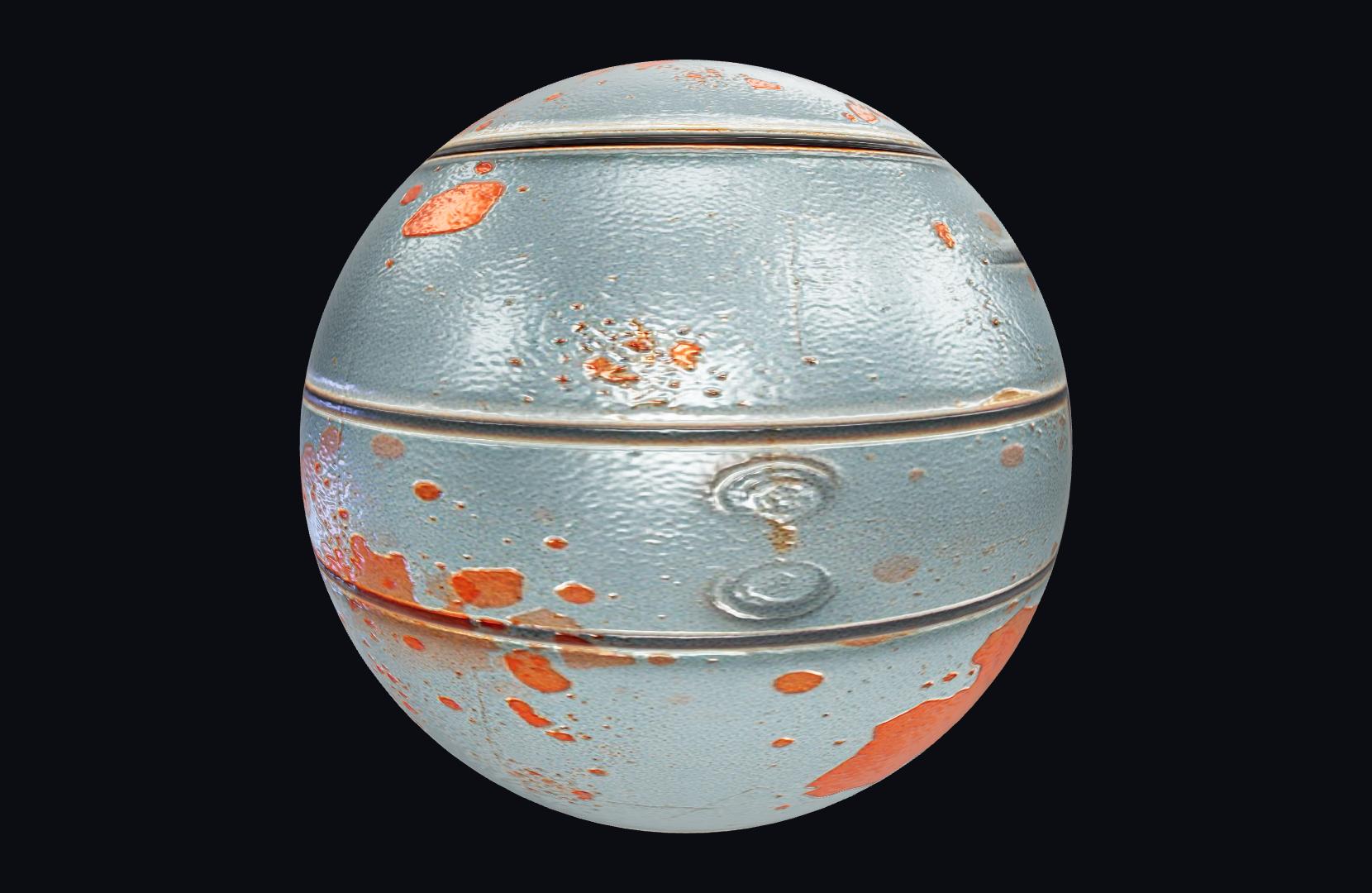
Materials & surfaces
Craft a PBR material, compare variations, or build a pack of distinct materials. Inspect your results and shape the details in the workspace.
Character rigging
Upload a humanoid mesh, place its joint markers, and prepare it for your animation workflow with a Manny-compatible rigged FBX.
Steam page optimization
Get a focused review of your Steam page, from capsule and copy to tags and media. Know what to improve next, and why it matters.
What players see first
Lead with the core gameplay. Then show what makes your game different.
Desktop + native plugin
Connect your Unreal project and work directly inside it. Describe the changes you want, then inspect the result where your game actually lives.
tools at your commandthrough the native Unreal Engine plugin
For Windows and macOS. Web tools also work in your browser.
The conversation starts here.
Select your Unreal project in Desktop and set up the native plugin.
Use the conversation to inspect your scene and direct work in the editor.
Inspect the result in your project, test it, and decide what comes next.
A little clarity before you start
Start in the browser, or connect your editor. You don’t have to do everything at once.
Find your first toolYou can use the web tools in your browser. Install Cosindra Desktop and the native plugin when you want to work directly inside Unreal Engine, or use a supported Apply in UE5 workflow. See the setup options.
The web tools create specific outputs, such as Blueprints, worlds and rigs, as well as PBR materials. Desktop connects to your Unreal project for editor control and supported asset-apply workflows. LaunchKit reviews your Steam page; its report is not an asset to import into Unreal.
Web product operations use Cosindra credits, including on the BYOK plan. Desktop can use Cosindra credits or eligible own-account/API-key options. Your provider’s limits and charges still apply when you use your own account. Compare credit allowances.
Yes. Each workspace has controls for its output: inspect a Blueprint graph, preview terrain or place rig joint markers, for example. MaterialForge also lets you compare variations and adjust exposed parameters. Review the result before bringing it into your project.
Yes. The Starter plan includes a one-time signup credit gift and a monthly allowance. Operations and downloads have their own costs and limits; starting free does not mean unlimited generation. See what Starter includes.
Find the plan that fits the way you work.
Compare credits, features and billing options.
$0/month
50 credit gift + 30/month
Explore Starter$9.99/month
150 credits/month + Your own accounts in Desktop
Explore BYOK$29/month
500 credits/month
Explore Pro$59/month
1,000 credits/month
Explore EliteMonthly prices in USD. Provider limits and charges apply to own-account use.
Compare all plans and featuresPick a tool. Explore a possibility. Make it yours.